
eSIM vs Physical SIM: What Changes and What Stays the Same
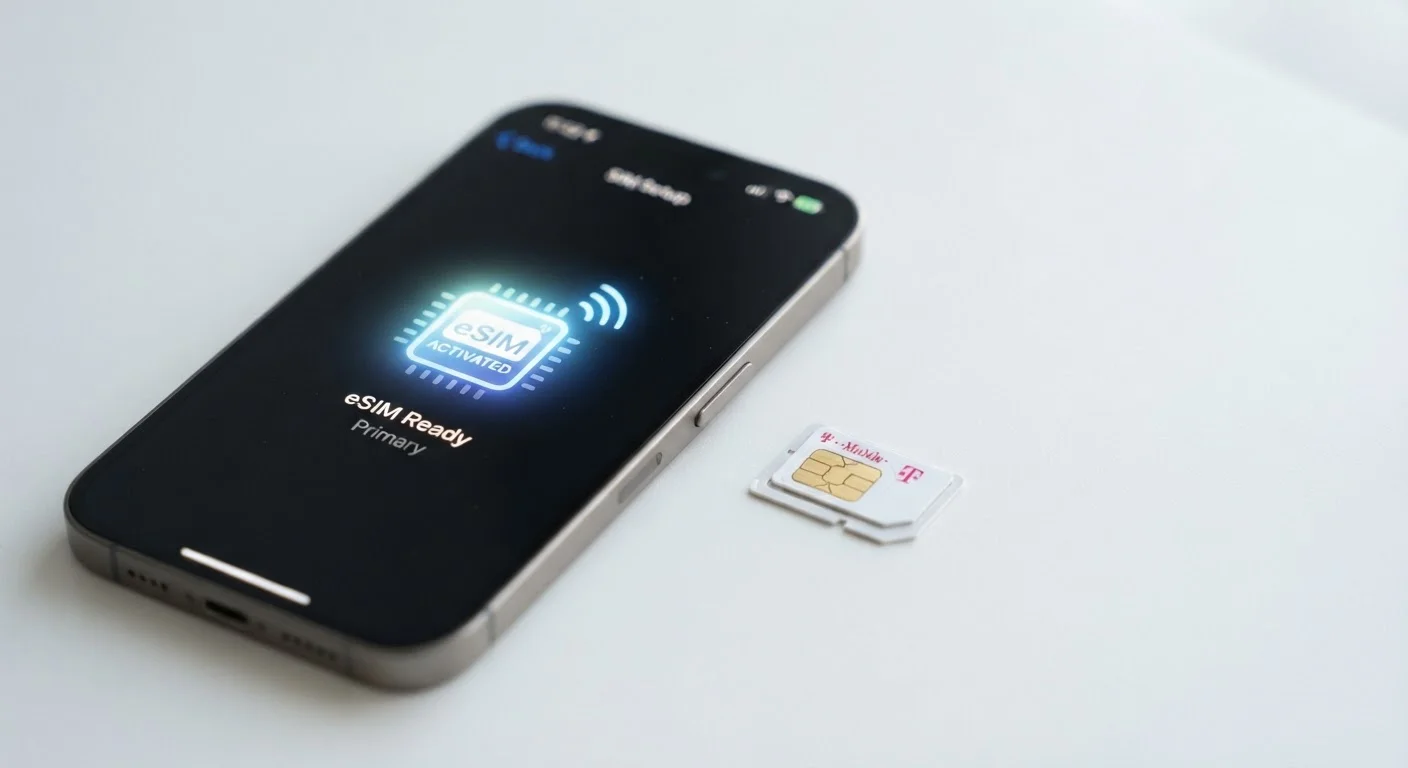
Photo credit: TopInfoTabs.com | Easy Insights For Inspiration
In this article
eSIM is increasingly standard, but it's not a dramatic shift for most users. Here's a clear-eyed look at the practical differences.
Key Takeaways
- Both eSIM and physical SIM connect you to carrier networks in exactly the same way - call quality and data speed are unaffected.
- eSIM is embedded in the device and activated digitally; no physical card needs to be inserted or removed.
- Most modern flagship smartphones support eSIM, but many mid-range and budget devices still rely on physical SIM slots.
- Physical SIMs remain practical for travelers who buy local SIM cards or frequently switch between carriers.
- eSIM allows multiple carrier profiles on one device, though only one or two are typically active simultaneously.
- Neither format is universally superior - the right choice depends on your device, carrier, and usage habits.
The Core Difference: Hardware vs. Software
A physical SIM - the small plastic card you slide into a tray - has been the standard method for connecting a phone to a carrier network for decades. It stores a unique identifier that tells the network who you are and what plan you're on. When you change carriers or travel, you swap the card.
An eSIM (embedded SIM) replaces that removable card with a tiny chip soldered directly into the device. Instead of swapping hardware, you download a carrier profile digitally. The underlying function is identical: both tell the network your identity and authenticate your service. The difference is entirely in how that information is stored and transferred.
For day-to-day use - making calls, sending texts, using mobile data - neither format has any technical advantage over the other. Your signal strength, call quality, and data speeds are determined by your carrier and network technology, not by which SIM format your phone uses. If you're curious how the network itself affects your experience, see our look at what 5G really changes for ordinary users.
| Criterion | Physical SIM | eSIM |
|---|---|---|
| Form factor | Removable plastic card | Chip embedded in device |
| Carrier activation | Physical card required | Digital QR code or app |
| Switching carriers | Requires new SIM card | Done in software, minutes |
| Multiple numbers | Dual-slot phones only | Multiple profiles on one chip |
| International travel | Easy local SIM swap | Carrier support varies by country |
| Device compatibility | Universal across all devices | Flagships and newer devices |
| Call and data quality | Carrier/network dependent | Carrier/network dependent |
What Actually Changes in Practice
The most immediate practical difference is setup. Activating an eSIM typically means scanning a QR code or tapping through a carrier's app - no waiting for a card in the mail and no risk of losing a tiny piece of plastic. Switching carriers with an eSIM can be done in minutes from your couch. Switching with a physical SIM requires either a new card or a trip to a store.
eSIM also enables multiple profiles on a single device. Many modern phones can store several carrier profiles simultaneously and allow one or two to be active at once. This is useful for separating a personal and work number, or keeping a home carrier active while adding a travel plan. Dual-SIM physical setups (two card slots) achieve something similar, but fewer flagship phones include two slots as eSIM has expanded.
~50%
Global smartphone shipments with eSIM support
Industry analysts estimated that roughly half of all smartphones shipped globally supported eSIM by the mid-2020s, with adoption concentrated in premium segments.
190+
Countries with some eSIM carrier support
GSMA figures indicate eSIM is available from at least one carrier in over 190 countries, though coverage depth varies significantly by region.
On the other side, physical SIM cards have a clear advantage for international travel if you routinely buy local SIM cards at your destination. Not every carrier worldwide supports eSIM provisioning for visitors, and in some regions physical SIM infrastructure is still the norm. Additionally, if a device is lost or damaged, transferring your number to a new phone is simpler with a physical SIM - you just move the card.
For a broader breakdown of mobile terminology, our glossary for non-technical buyers explains the language you'll encounter across spec sheets, including SIM-related terms.
Compatibility, Carrier Support, and What to Check
eSIM is now standard on most flagship smartphones from major manufacturers, as well as on many tablets and smartwatches. However, support isn't universal. Many affordable and mid-tier devices still use physical SIM slots exclusively, so eSIM is not yet a concern for a large portion of phone buyers.
Carrier support is a separate consideration. In the US, major national carriers support eSIM on compatible devices, but prepaid and smaller regional carriers vary widely. Before assuming eSIM will work with your preferred plan, it's worth verifying directly with your carrier. The same principle applies globally - eSIM availability from carriers abroad is expanding but uneven.
One nuance worth understanding: some phones sold directly by carriers are eSIM locked, meaning they can only activate profiles from that carrier until officially unlocked. This mirrors the way physical SIM locking worked for years. The format changes; carrier policies largely don't. If you're weighing a broader platform decision alongside SIM format, our comparison of Android and iOS structural differences covers how ecosystem choices intersect with features like eSIM management.
In short, eSIM is a genuine convenience upgrade for the right user - but it doesn't transform the mobile experience. Understanding the specific requirements of your carrier, device, and travel habits is the most reliable guide to which format serves you better.
eSIM and Device Resale
When selling or trading in an eSIM device, you'll need to erase all eSIM profiles before transferring ownership - a step analogous to removing a physical SIM card. The process varies slightly between operating systems but is typically found in network or SIM settings. Always confirm profiles are cleared before handing a device to its next owner.

Author
Tech & Gadgets Editorial Team
Tech & Gadgets Editorial Team is the collective byline for our editorial team and contributor network. Articles published under this byline or an editorial pen name are researched, written, and reviewed according to our editorial standards for clarity, consistency, and independence before publication.
View all articles →