
Android and iOS: Understanding the Genuine Differences Before You Switch
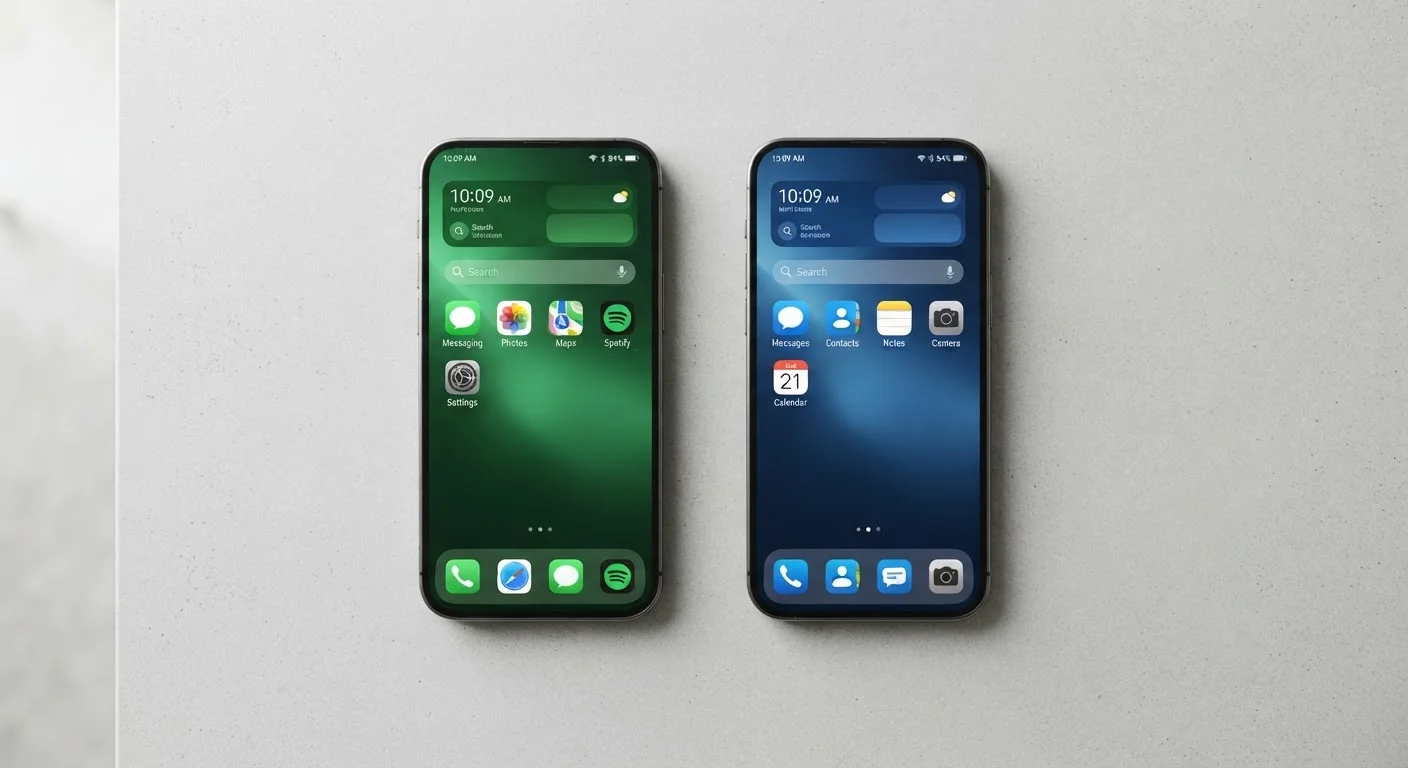
Photo credit: TopInfoTabs.com | Easy Insights For Inspiration
In this article
Beyond the logos, Android and iOS have real structural differences in privacy, customisation, and ecosystem lock-in. Here's an honest breakdown.
Key Takeaways
- Android offers broader hardware choice and deeper system-level customisation than iOS.
- iOS delivers more consistent software update support across devices, often for longer periods.
- Both platforms have strong privacy tools, but their approaches and defaults differ meaningfully.
- Switching platforms has real friction, especially if you rely on ecosystem-specific apps or services.
- Neither platform is objectively superior - the right choice depends on your habits and priorities.
Customisation: How Much Control Do You Actually Get?
One of the most cited differences between Android and iOS is how much each platform lets you shape your own experience. On Android, users can change default apps at a system level - swap the browser, email client, or even the keyboard without workarounds. Home screen layouts are flexible, and third-party launchers (apps that replace the standard home screen interface entirely) are supported on most Android devices.
iOS has expanded its customisation options meaningfully in recent years, allowing users to change default browsers and email apps in settings, and adding home screen widget support. But it still operates within tighter boundaries: the system launcher cannot be replaced, and many deep-system defaults remain fixed.
For most people, iOS's level of customisation is more than sufficient. If you rarely think about how your phone's interface works, you are unlikely to miss Android's additional flexibility. But if you find yourself wishing you could fundamentally reorganise how your phone operates, Android's openness is a genuine structural advantage, not just a marketing point.
| Criterion | Android | iOS |
|---|---|---|
| Default app flexibility | Broad - most defaults replaceable | Limited - expanding but restricted |
| Hardware choice | Dozens of manufacturers | Apple devices only |
| OS update consistency | Varies by manufacturer | Simultaneous, Apple-controlled |
| Typical OS support lifespan | 2-5 years (varies widely) | 5-6 years |
| Privacy defaults | Google-integrated by default | Data minimisation emphasis |
| Cross-device ecosystem | Google services; open to more | Tight Apple device integration |
| App store openness | Sideloading possible on most devices | App Store only (with exceptions) |
Privacy and Data: Different Philosophies, Similar Tools
Both platforms have invested heavily in privacy features, but they approach the topic differently. Apple's privacy messaging is built around data minimisation - on-device processing for features like facial recognition, App Tracking Transparency prompts that require apps to ask permission before tracking you across other apps and websites, and a business model that is less dependent on advertising revenue than Google's.
Android, which is developed by Google, is more deeply integrated with Google's data services by default. That said, Android has added granular permission controls, approximate location options, and the ability to give apps one-time access to sensitive data rather than permanent permission. Many of these tools are comparable in practice to what iOS offers - but the defaults lean differently.
For a practical look at tightening permissions on either platform, see our guide on protecting your phone's privacy without turning off useful features.
Privacy Labels Are a Starting Point, Not the Full Picture
Both the App Store and Google Play now require developers to disclose what data their apps collect. These labels are a useful first filter, but they are self-reported and do not guarantee accuracy. Reviewing app permissions in your device settings - and revoking ones that seem unnecessary - remains a practical second layer of protection on either platform.
Ecosystem Lock-In: The Real Cost of Switching
Switching platforms is rarely as simple as buying a new phone. Both Android and iOS have built ecosystems of services, purchased apps, and device integrations that create genuine friction when you leave.
On iOS, iMessage, FaceTime, iCloud Photo Library, and Apple Pay are deeply woven into daily use for many users. Moving to Android means losing native iMessage support (though cross-platform messaging apps fill most of the gap), and any apps purchased through the App Store do not transfer - you would need to repurchase their Android equivalents if available.
Android users moving to iOS face similar challenges: Google Photos, Google Drive, and purchased Google Play apps do not migrate automatically. Some services, like Google Photos, work fine on iOS - but the transition still requires planning.
Before switching, it is worth auditing which apps and services you rely on daily and checking whether they exist on the other platform. Our guide to setting up a new phone without losing anything that matters walks through the practical transfer process for both platforms.
Software Updates: Who Gets Them, and for How Long?
Update consistency is one area where the two platforms diverge structurally. Because Apple controls both the hardware and software for iPhones, it can deliver OS updates to all supported devices simultaneously. Apple has historically supported iPhones with major OS upgrades for five to six years from release.
Android updates are more fragmented. Google's own Pixel devices receive timely updates directly from Google, but other manufacturers - Samsung, OnePlus, Motorola, and others - control their own update timelines. Some commit to four or five years of OS updates; others have offered less. Security patches and feature updates do not always arrive on the same schedule as the flagship Pixel line.
This matters beyond new features. Understanding what OS updates actually do under the hood clarifies why security patches in particular are worth paying attention to, regardless of which platform you use.
~72%
Global smartphone OS market share held by Android
According to StatCounter's global mobile OS data, Android consistently accounts for roughly 70-73% of worldwide smartphone usage, with iOS making up most of the remainder.
5-6 years
Typical iOS major update support window
Apple has supported several iPhone models with major OS releases for five to six years after launch, making update longevity a distinguishing factor versus many Android manufacturers.

Author
Tech & Gadgets Editorial Team
Tech & Gadgets Editorial Team is the collective byline for our editorial team and contributor network. Articles published under this byline or an editorial pen name are researched, written, and reviewed according to our editorial standards for clarity, consistency, and independence before publication.
View all articles →