
Understanding Mobile Operating System Updates: Why They Matter Beyond New Features
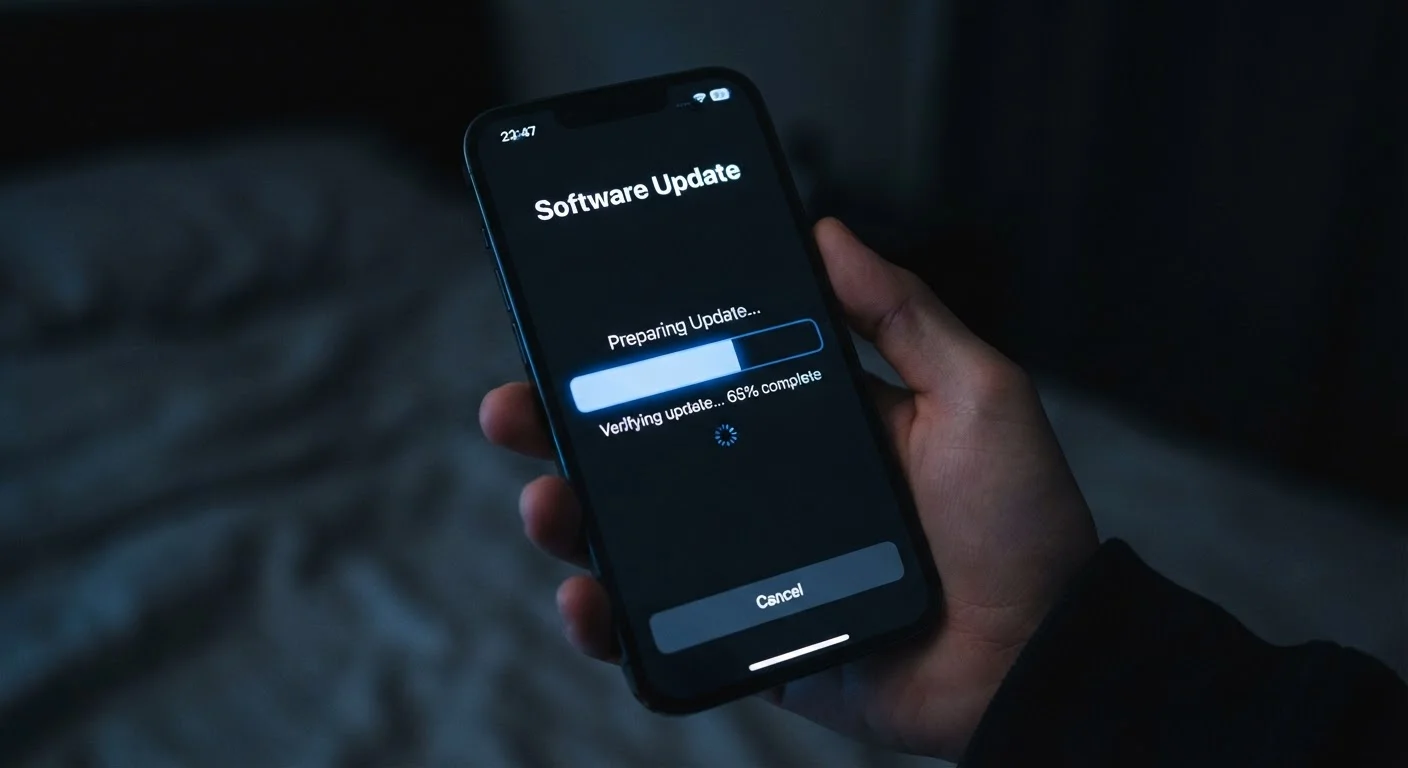
Photo credit: TopInfoTabs.com | Easy Insights For Inspiration
In this article
Skipping software updates feels harmless. Here's what security patches, bug fixes, and version upgrades actually do under the hood.
Key Takeaways
- Security patches close specific vulnerabilities that attackers actively exploit - skipping them leaves your data exposed.
- Bug fixes address real performance and stability issues, not just cosmetic problems.
- Major version upgrades may extend or limit app compatibility depending on your device's age.
- Android and iOS follow different update delivery models, affecting how quickly patches reach your phone.
- Delaying updates is a common habit that gradually increases device risk without any visible warning signs.
The Three Layers Inside Every Update
When a software update notification appears, it typically belongs to one of three categories - and each one serves a different purpose.
Security patches are the most urgent. They address specific vulnerabilities - flaws in the OS code that attackers could exploit to access data, install malware, or intercept communications. Major platforms publish detailed security bulletins that list the exact vulnerabilities addressed in each patch. These are not theoretical risks; researchers and threat actors discover new vulnerabilities continuously.
Bug fixes target problems affecting stability and performance: apps that crash unexpectedly, Bluetooth connections that drop, battery readings that are inaccurate. These fixes rarely announce themselves but make the device noticeably more reliable over time.
Feature updates are the visible layer - new camera modes, redesigned interfaces, additional privacy controls. These are what most marketing focuses on, but they represent only a fraction of what an update actually does.
What 'Security Patch Level' Means on Android
Android devices display a Security Patch Level date in Settings, typically under 'About phone.' This date indicates the most recent monthly security bulletin incorporated into your device's software. A patch level several months behind the current date suggests your device has unaddressed vulnerabilities. Checking this periodically takes about thirty seconds.
Why Security Patches Deserve Immediate Attention
Every modern smartphone holds financial accounts, personal communications, health data, and location history. A single unpatched vulnerability can give a malicious app or a compromised Wi-Fi network a doorway into all of it.
Security researchers operate on a concept called responsible disclosure: they report vulnerabilities privately to the OS developer, who has a fixed window to issue a patch before the finding becomes public. Once a vulnerability is publicly known, attackers move quickly. Devices still running unpatched versions become easier targets.
Monthly
Frequency of Android security bulletins from Google
Google publishes a dedicated Android Security Bulletin each month detailing patched vulnerabilities, classified by severity level.
~30 days
Typical lag between patch release and broad Android rollout
Independent security researchers have observed that many Android devices receive manufacturer-adapted security patches weeks after Google's initial release.
This is why security professionals consistently rank prompt patching as one of the highest-impact protective habits available to everyday users - well ahead of more complex measures. As the habits that quietly degrade a smartphone article explores, ignoring updates is one of the most common ways users inadvertently compromise both security and performance.
How Android and iOS Handle the Update Pipeline Differently
The path an update takes to your device depends entirely on which operating system you use - and understanding this difference helps set realistic expectations.
Apple controls both the hardware and the software for iOS devices, which means updates are released simultaneously to all supported iPhones and iPads. There is no intermediate step.
Android operates differently. Google releases the core OS and security patches, but most device manufacturers apply their own software layer (sometimes called a skin or UI overlay) on top. The manufacturer must adapt and test each update before distributing it. For some carriers, there is an additional review stage. The result: the same security patch can reach a Samsung device weeks after it reaches a Pixel device, and both may arrive later than an iOS update covering the same vulnerability.
This structural difference is one of the genuine contrasts covered in the Android and iOS differences breakdown - worth understanding before choosing a platform or switching between them.
Enable Automatic Updates Where Possible
Both iOS and Android allow automatic installation of updates, often overnight when the device is charging and connected to Wi-Fi. Enabling this setting ensures security patches are applied promptly without requiring any action on your part. It is one of the lowest-effort, highest-impact steps you can take for device security.
When a Device Ages Out of Support
All devices eventually reach an end-of-support date - the point at which the manufacturer stops delivering OS updates or security patches. At that point, newly discovered vulnerabilities will never be addressed on that device, regardless of how well it otherwise functions.
Both Apple and major Android manufacturers now publish explicit support timelines. Some Android manufacturers have extended commitments to multiple years of OS upgrades and even longer security patch support. Understanding your device's support window is useful context when evaluating whether to continue using an older phone, particularly for tasks involving sensitive data.
For a broader look at how the underlying network infrastructure relates to device capability, the 5G network upgrade overview provides useful context on how software and hardware support interact with connectivity advances.
Frequently Asked Questions

Author
Tech & Gadgets Editorial Team
Tech & Gadgets Editorial Team is the collective byline for our editorial team and contributor network. Articles published under this byline or an editorial pen name are researched, written, and reviewed according to our editorial standards for clarity, consistency, and independence before publication.
View all articles →