
Introducing Home Tech to Elderly Family Members Without the Frustration
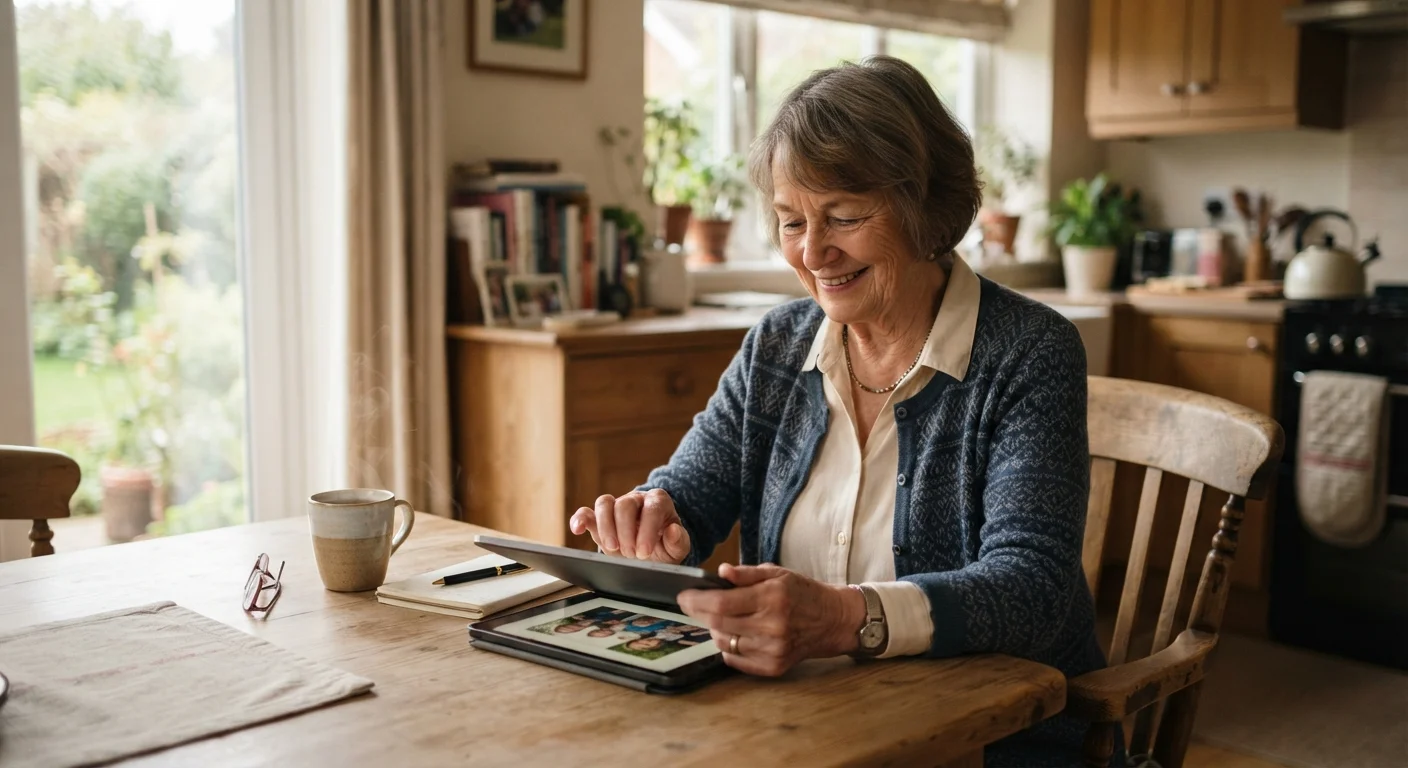
Photo credit: TopInfoTabs.com | Easy Insights For Inspiration
In this article
Step-by-step guidance for setting up and explaining home technology for older adults, with an emphasis on accessibility and ongoing support.
Key Takeaways
- Start with a single device that solves a real, immediate problem the older adult already feels.
- Accessibility settings built into most devices can dramatically reduce frustration before it starts.
- Written reference cards and repeated hands-on practice matter more than a single explanation session.
- Ongoing, patient support - not a one-time setup - is what determines long-term adoption success.
- Security basics like strong passwords should be set up by the helper from day one.
Why the Introduction Matters More Than the Device
When a new piece of home technology fails to stick, the device itself is rarely the culprit. The way it was introduced - rushed, jargon-heavy, or without follow-up - is almost always the deciding factor. Older adults are not inherently resistant to technology; many embrace it enthusiastically when it genuinely solves a problem they care about and when the learning curve is made manageable.
Before selecting any device, have a candid conversation about what daily friction points actually exist. Difficulty hearing a doorbell, forgetting whether a stove was left on, or struggling to read small text on a phone screen are all concrete problems that specific technologies address well. Starting from the person's real need - not from what seems impressive or modern - sets a foundation of trust and relevance.
If any unfamiliar terms come up during this planning stage, the Home Tech Glossary is a useful plain-language reference to bookmark.
What you will need
Setting Up the Device for Accessibility From the Start
The default settings on most consumer devices are optimised for younger users with good vision, fine motor control, and prior tech experience. Adjusting accessibility features before handing a device to an older adult is one of the highest-impact steps a helper can take.
Adjust Settings Before Handing Over the Device
Taking 10 minutes to configure accessibility features before the first session prevents the most common early frustrations. Larger text, high contrast, and louder audio output cost nothing and can transform the experience. Many devices also offer a 'simplified' or 'easy' mode that strips away unnecessary complexity for new users.
For tablets and smartphones, increasing text size, enabling larger touch targets, and turning on display zoom are usually found under Settings > Accessibility. Voice control and screen reader features can be lifesavers for those with limited dexterity or low vision. The mobile accessibility features guide covers many of these settings in detail and is worth reviewing in advance.
For smart speakers or displays, the setup process includes choosing a wake word and adjusting speaker volume - keep it high enough to be heard clearly from across a room. Disable features that aren't needed immediately; a simpler interface reduces cognitive load significantly.
Choose one device that solves one specific problem
Resist the urge to introduce multiple devices at once. Select the single technology most directly tied to a problem the older adult has mentioned themselves - whether that is a video calling tablet, a smart doorbell, a medication reminder device, or a voice-controlled smart speaker. One device, learned well, builds the confidence to try the next. See understated devices that simplify daily routines for ideas that prioritise usefulness over novelty.
Configure accessibility settings before the first use
Before the person interacts with the device at all, increase font size, enable larger icons, turn up speaker volume, and activate any relevant accessibility features. On most platforms these are found under Settings > Accessibility or Settings > Display. Doing this in advance means the first experience is a comfortable one, not a frustrating squint at small text.
Demonstrate, then let them try with you present
Show the core task once at a relaxed pace while narrating each action plainly. Then hand control over and let the older adult attempt the same task while you sit beside them - not touching the screen, but available to narrate prompts if they stall. Avoid taking the device back to fix things; guide with words instead. This approach builds genuine muscle memory rather than learned helplessness.
Create a printed quick-reference card
Write out the four to six most frequently needed actions in large print, using numbered steps and plain language - no icons, no abbreviations. Laminate or place in a protective sleeve and keep it next to the device. This card reduces the need to ask for help with routine tasks and gives the older adult a sense of independence between support visits.
Schedule regular short check-ins for the first month
Agree on a cadence of brief check-ins - a 15-minute call or visit every few days at first, tapering to weekly as confidence grows. Use these sessions to answer accumulated questions, reinforce skills, and introduce one small new feature at a time only after the core use case feels natural. This structured follow-up is where most technology introductions succeed or fail.
Building Confidence Through Ongoing Support
A single setup session is not enough. Research on adult learning consistently shows that spaced repetition - returning to the same tasks across multiple short sessions - produces far more durable skills than one long tutorial. Plan for at least three to four follow-up visits or calls in the first month.
Create a simple, laminated reference card with the five or six actions the person will use most often: how to make a video call, how to ask the smart speaker for weather, how to adjust the thermostat. Large print, plain language, and numbered steps make these cards genuinely useful rather than patronising.
On the security side, ensure that passwords are strong and stored safely - a physical notebook kept in a secure drawer is entirely reasonable for someone not comfortable with a password manager. For a fuller look at keeping connected devices safe, the smart home security guide covers network hygiene and account practices in accessible terms.
Finally, celebrate small wins openly. Successfully making a video call to a grandchild, adjusting room lighting without getting up, or checking a medication reminder on a smart display are real quality-of-life improvements. Acknowledging progress - without condescension - reinforces motivation and builds lasting confidence with technology.
Watch for Signs of Overwhelm
If the older adult becomes quiet, stops asking questions, or starts agreeing with everything without engaging, these are often signs of cognitive overload - not comprehension. Pause, return to the last task that felt comfortable, and end the session on a success rather than pushing further. Ending on a positive experience is more valuable than covering more ground.

Author
Tech & Gadgets Editorial Team
Tech & Gadgets Editorial Team is the collective byline for our editorial team and contributor network. Articles published under this byline or an editorial pen name are researched, written, and reviewed according to our editorial standards for clarity, consistency, and independence before publication.
View all articles →