
Keeping Your Smart Home Secure: A Privacy and Network Safety Guide
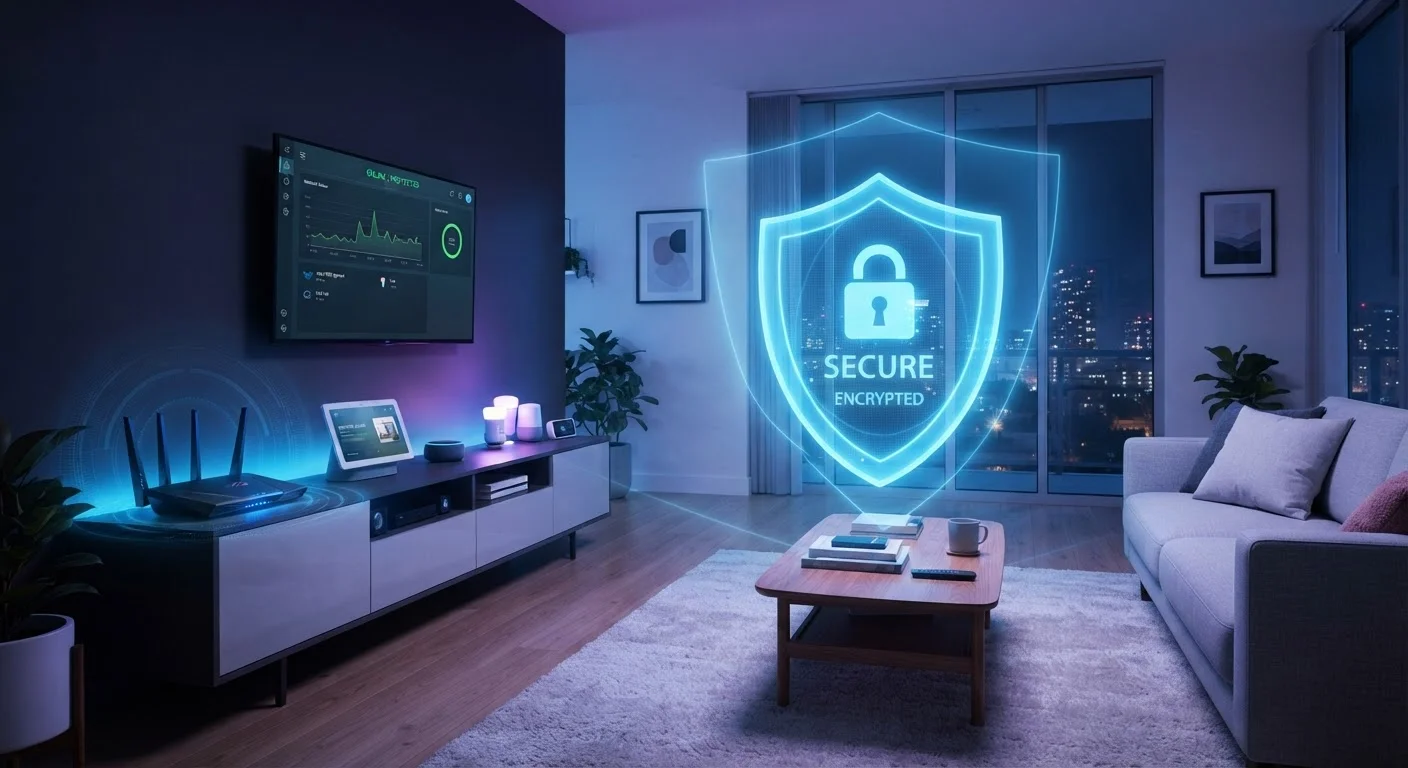
Photo credit: TopInfoTabs.com | Easy Insights For Inspiration
In this article
Connected devices expand your attack surface. This end-to-end guide covers network segmentation, firmware habits, and account hygiene.
Key Takeaways
- Every connected device is a potential entry point - treating them collectively is essential.
- A dedicated IoT network segment limits damage if any single device is compromised.
- Firmware updates close known vulnerabilities that attackers actively exploit.
- Unique, strong passwords and two-factor authentication are non-negotiable for smart home accounts.
- Minimizing the data your devices collect reduces long-term privacy exposure.
- Regular audits of connected devices help you catch abandoned or forgotten hardware.
Why Smart Homes Create New Security Risks
Smart home devices - from thermostats and doorbell cameras to voice assistants and smart locks - share one thing in common: they are always-on computers connected to your home network. Each one represents what security professionals call an attack surface: a point through which an unauthorized party could potentially gain access to your data or network.
Unlike a laptop, most smart devices lack a visible interface that alerts you to unusual behavior. A compromised smart plug or a camera with an unpatched vulnerability can operate silently while forwarding data to external servers or serving as a foothold into the rest of your network. Understanding these risks is the first step toward managing them effectively. For a grounding in the terminology involved, the Home Tech Glossary is a useful starting point.
1.5 billion
IoT device attacks recorded globally in one six-month period
According to Kaspersky's threat intelligence reporting, IoT devices face an enormous and growing volume of attack attempts.
57%
Of IoT devices vulnerable to medium or high-severity attacks
Palo Alto Networks' Unit 42 threat research found that a majority of monitored IoT devices ran outdated or unpatched software.
83%
Of IoT device traffic is unencrypted
Palo Alto Networks' research also found that the vast majority of IoT communication travels over the network without encryption.
Network Segmentation: Your First Line of Defense
Network segmentation means separating your smart devices onto their own Wi-Fi network, isolated from the computers, phones, and tablets where your most sensitive data lives. Most modern routers support a guest network feature - this is the simplest implementation: connect all IoT (Internet of Things) devices to that separate network, so a compromised device cannot directly reach your primary machines.
More advanced setups use VLAN-capable routers to create distinct logical networks with firewall rules between them. For households with many devices, this level of control is worth exploring. Before restructuring your network, it helps to understand coverage options - see the comparison of mesh Wi-Fi vs. traditional router setups for relevant context.
Use Your Router's Guest Network for IoT Devices
Connecting smart devices to a guest network rather than your primary network is one of the simplest and most effective segmentation steps available on most consumer routers. Devices on the guest network can reach the internet but are typically blocked from communicating with devices on the main network. Check your router's admin panel or companion app - this option is often labeled 'Guest Network' or 'IoT Network' and can be enabled in minutes.
Firmware and Software Updates: Don't Skip Them
Firmware is the low-level software embedded in a device that controls its basic operation. Manufacturers release firmware updates to patch security vulnerabilities - often in response to publicly disclosed exploits. Running outdated firmware is one of the most common and avoidable risks in smart home setups.
Enable automatic updates wherever a device supports them. For devices that require manual updates, set a recurring monthly reminder to check the manufacturer's app or support page. If a device has reached end-of-life - meaning the manufacturer no longer releases updates - consider replacing it, especially for security-sensitive hardware like smart locks or cameras. Our guide on smart lock considerations covers what to look for in security certifications before purchasing.
When setting up a new smart device, check the manufacturer's support page before connecting it to confirm a firmware update isn't already pending - many devices ship with outdated software.
Devices sitting in retail warehouses or shipping channels can accumulate months of unpatched vulnerabilities before they reach a consumer's home.
If you're unsure whether a device is still receiving updates, search the manufacturer's site for the model name plus 'end of life' or 'security updates' - this takes under two minutes and can surface critical information.
Manufacturers rarely send proactive notifications when a product reaches end-of-life status, leaving users unknowingly running unsupported hardware.
Account Hygiene and Credential Management
Most smart devices are controlled through cloud accounts, and those accounts are a primary target for attackers. Weak or reused passwords allow a single breach - perhaps from an unrelated service - to cascade into access to your home network and devices.
Use a password manager to generate and store unique, complex passwords for every device account. Enable two-factor authentication (2FA) on every platform that supports it - this adds a second verification step, significantly raising the difficulty of unauthorized access. Avoid linking device accounts to social login options unless you trust and actively maintain those primary accounts with strong security. The same discipline applies to your smartphone, which often serves as the control hub for your entire smart home - see practical phone privacy guidance for a balanced approach.
Default Passwords Must Be Changed Immediately
Many smart devices ship with factory-set default credentials that are publicly listed in manufacturer documentation - and therefore known to attackers. Changing the default username and password is the single most important step to take before a new device goes online. Do not skip this step even if a device is only intended for use within your home network.
Privacy Settings and Data Minimization
Smart devices frequently collect more data than their core function requires. Voice assistants may retain recordings; cameras may upload footage to manufacturer servers; smart TVs may track viewing habits. Reviewing privacy settings in each device's app is a concrete step that reduces long-term exposure.
Key practices include: disabling features you don't use (such as always-on microphones on devices where voice control isn't needed), opting out of data-sharing agreements where possible, and periodically deleting stored data such as voice history or recorded clips. Understanding which protocols your devices use can also inform privacy decisions - some local-processing protocols transmit less data externally than cloud-dependent alternatives. The smart home ecosystems guide explains these distinctions clearly.
Local vs. Cloud Processing: A Privacy Trade-Off
Some smart home protocols, such as Zigbee and Z-Wave, process device commands locally through a hub rather than routing them through manufacturer cloud servers. This can reduce the volume of data transmitted externally. However, local processing is not a complete privacy solution - the hub itself, companion apps, and occasional cloud check-ins may still transmit data. Understanding your specific setup's data flow helps you make informed decisions.
Ongoing Habits That Keep Your Setup Safe
Security is not a one-time configuration - it requires periodic review. A simple quarterly audit involves logging into your router's admin panel and reviewing all connected devices. Remove or factory-reset any device you no longer use; orphaned hardware with no ongoing updates is a liability. If devices are regularly dropping off your network, that can itself be a sign of configuration or security issues worth investigating - the guide on why smart devices disconnect covers common causes.
Also review which apps on your phone have access to your smart home devices and revoke permissions that aren't necessary. When adding new devices, research the manufacturer's track record on security updates before purchasing - a lower-cost device with poor update history can cost more in risk than it saves in price. For households using a central hub to manage multiple devices, hub configuration best practices can help you maintain both convenience and control.
NIST Cybersecurity for IoT Program
The National Institute of Standards and Technology publishes consumer-facing guidance on IoT device security, including practical recommendations for home users.
Have I Been Pwned
A free service that checks whether your email address has appeared in known data breaches - useful for assessing whether account credentials linked to your smart home apps may be compromised.
Router Admin Security Checklist
The Cybersecurity and Infrastructure Security Agency (CISA) offers guidance on securing home routers, including default credential changes and firmware update procedures.

Author
Tech & Gadgets Editorial Team
Tech & Gadgets Editorial Team is the collective byline for our editorial team and contributor network. Articles published under this byline or an editorial pen name are researched, written, and reviewed according to our editorial standards for clarity, consistency, and independence before publication.
View all articles →