
Smart Home Ecosystems Explained: Matter, Zigbee, Z-Wave, and Wi-Fi
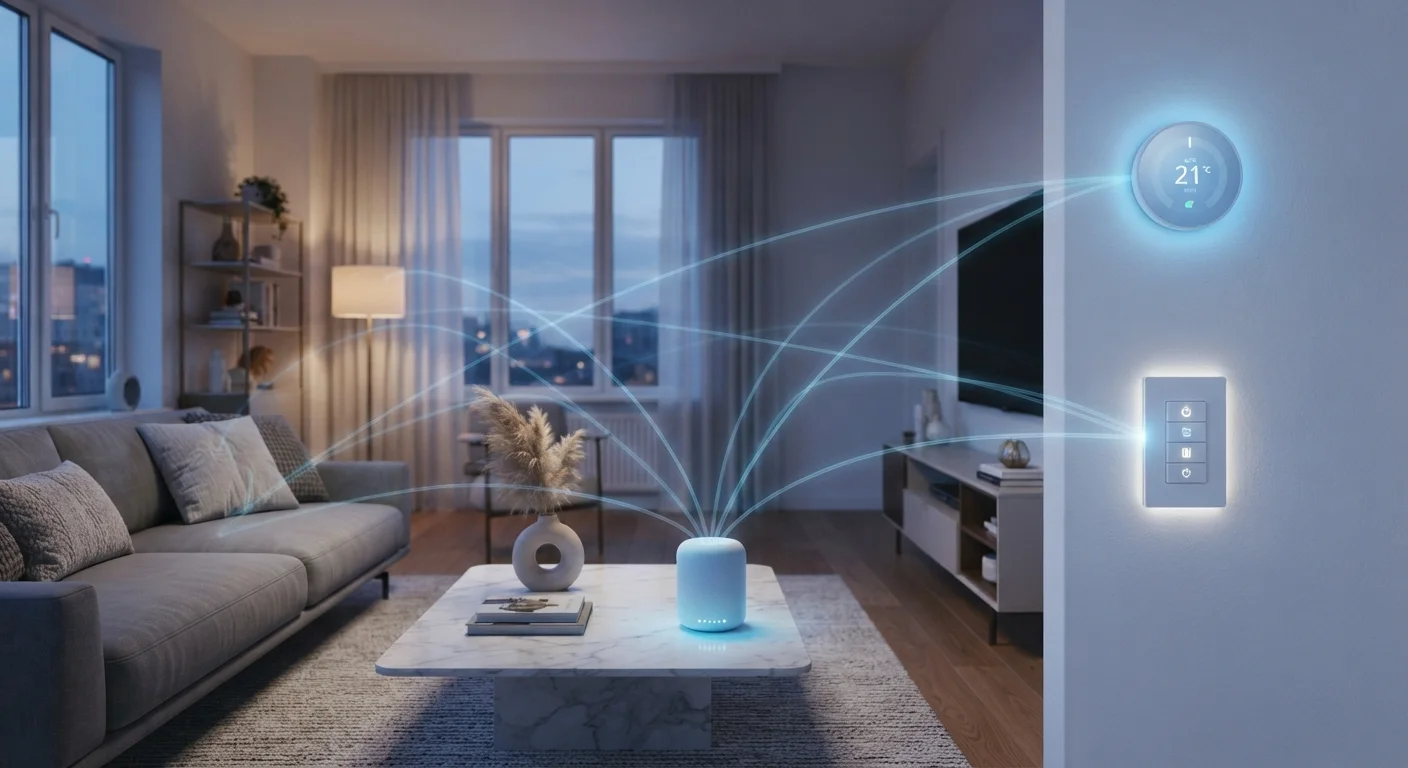
Photo credit: TopInfoTabs.com | Easy Insights For Inspiration
In this article
Confused by smart home protocols? Learn what Matter, Zigbee, Z-Wave, and Wi-Fi mean for device compatibility in plain language.
Key Takeaways
- Matter is an emerging interoperability standard designed to make devices from different brands work together natively.
- Zigbee and Z-Wave use low-power radio signals and form mesh networks, making them reliable for battery-powered sensors.
- Wi-Fi devices are easy to set up but consume more power and can crowd a home network.
- Most hubs support multiple protocols simultaneously, helping bridge devices from different ecosystems.
- Understanding protocols before buying can prevent costly compatibility headaches down the line.
Why Protocols Are the Foundation of Any Smart Home
Setting up a smart home can feel like assembling furniture with instructions written in four different languages simultaneously. Devices from one brand refuse to respond to another brand's app; a new sensor you purchased turns out to require a hub you don't own. These friction points almost always trace back to one root cause: mismatched protocols.
A protocol defines how devices send and receive signals - the frequency they use, how they handle network congestion, whether they need an internet connection to function, and how many devices can operate efficiently together. Choosing devices that share a common protocol (or investing in a hub that bridges several) is the single most effective way to build a home that actually runs smoothly. For a broader grounding in the terminology around connected homes, the Home Tech Glossary is a useful companion reference.
600+
Matter-certified devices at launch
The Connectivity Standards Alliance reported more than 600 Matter-certified products available within the first year of the standard's release in late 2022.
2,400+
Z-Wave certified products available
The Z-Wave Alliance has certified over 2,400 interoperable products across dozens of device categories as of the mid-2020s.
2.4 GHz
Shared frequency band (Zigbee & Wi-Fi)
Both Zigbee and standard Wi-Fi operate on the 2.4 GHz band, meaning network congestion and interference is a real consideration in dense device environments.
The Four Major Protocols: What Each One Does
Matter
Matter is the newest and most ambitious entry in this space. Backed by Apple, Google, Amazon, and Samsung among others, it is an open-source standard that aims to make a device certified for one platform work on all of them - no conversion, no workarounds. Matter runs over Wi-Fi and Thread (a low-power mesh protocol), meaning it can support both mains-powered and battery-operated devices. It also emphasizes local processing, so automations can run even when your internet is down.
Zigbee
Zigbee operates on the 2.4 GHz radio band and uses a mesh network architecture - each device can relay signals from others, extending coverage without adding routers. It is low-power, which makes it well-suited to battery-operated sensors, motion detectors, and door contacts. The trade-off is that Zigbee requires a compatible hub, and different manufacturers' Zigbee implementations have historically had interoperability quirks despite sharing the same underlying standard.
Z-Wave
Z-Wave operates in a lower frequency band (around 908 MHz in the US), which gives it better wall penetration and less interference from the crowded 2.4 GHz spectrum that Wi-Fi and Zigbee share. Like Zigbee, it forms a mesh network and requires a hub. Z-Wave enforces stricter certification requirements, which has historically meant fewer interoperability surprises between devices - though the device ecosystem is somewhat smaller than Zigbee's.
Wi-Fi
Wi-Fi smart devices connect directly to your home router, eliminating the need for a separate hub. Setup is typically simpler, and the device ecosystem is vast. The drawbacks are real, however: Wi-Fi devices consume considerably more power (making battery operation impractical), and a home with dozens of connected devices can strain older routers. If your network isn't up to the task, understanding the difference between mesh Wi-Fi and traditional router setups becomes especially relevant.
Check Protocol Support Before Purchasing
Before adding any new smart home device, verify which protocol it uses and confirm your existing hub or platform supports that protocol. Most hub manufacturers publish compatibility lists on their websites. A five-minute check before buying can prevent the frustration of an incompatible device sitting unused in its box.
Bridging Ecosystems: Where Hubs Fit In
Few households end up with devices that all share a single protocol - most accumulate a mix over time. A smart home hub addresses this by supporting multiple protocols in one device, presenting everything through a unified interface regardless of the underlying radio technology. A well-configured hub can run local automations, reduce cloud dependency, and expose all your devices to a single voice assistant or app.
That said, hubs introduce their own layer of complexity. They require ongoing maintenance, firmware updates, and occasional troubleshooting. For practical guidance on getting real value from one, see Getting the Most From a Smart Home Hub.
Local vs. Cloud Processing Matters
Some smart home devices - particularly those relying on Wi-Fi and a manufacturer's cloud server - stop working if the company shuts down its service or your internet goes down. Zigbee, Z-Wave, and Matter devices configured to process locally through a hub are generally more resilient. When evaluating devices, check whether core automations can run without an active internet connection.
It is also worth noting that connecting more devices to your home network - regardless of protocol - expands your potential security exposure. Keeping your smart home secure covers the network and account hygiene practices that apply across all protocols.
Making a Practical Choice Before You Buy
The protocol question doesn't have a single correct answer - it depends on what you already own, how technically comfortable you are, and what you expect the system to do. A few practical considerations can sharpen the decision:
- Existing ecosystem: If you already own a hub that supports Zigbee, adding more Zigbee devices is straightforward. Switching protocols mid-build is costly.
- Device type: Battery-operated sensors benefit from Zigbee or Z-Wave. Always-on devices like thermostats or displays tolerate Wi-Fi's higher power draw.
- Future-proofing: Matter-certified devices offer the broadest long-term compatibility, though the standard is still maturing and not every device category is covered yet.
- Network health: A congested or aging router undermines Wi-Fi devices; addressing the network first prevents later frustration.
For a candid look at what a connected home requires in ongoing time and attention - not just setup - The Real Trade-Offs of Running a Smart Home provides a grounded perspective before you invest further.
Frequently Asked Questions

Author
Tech & Gadgets Editorial Team
Tech & Gadgets Editorial Team is the collective byline for our editorial team and contributor network. Articles published under this byline or an editorial pen name are researched, written, and reviewed according to our editorial standards for clarity, consistency, and independence before publication.
View all articles →