
Getting the Most From a Smart Home Hub
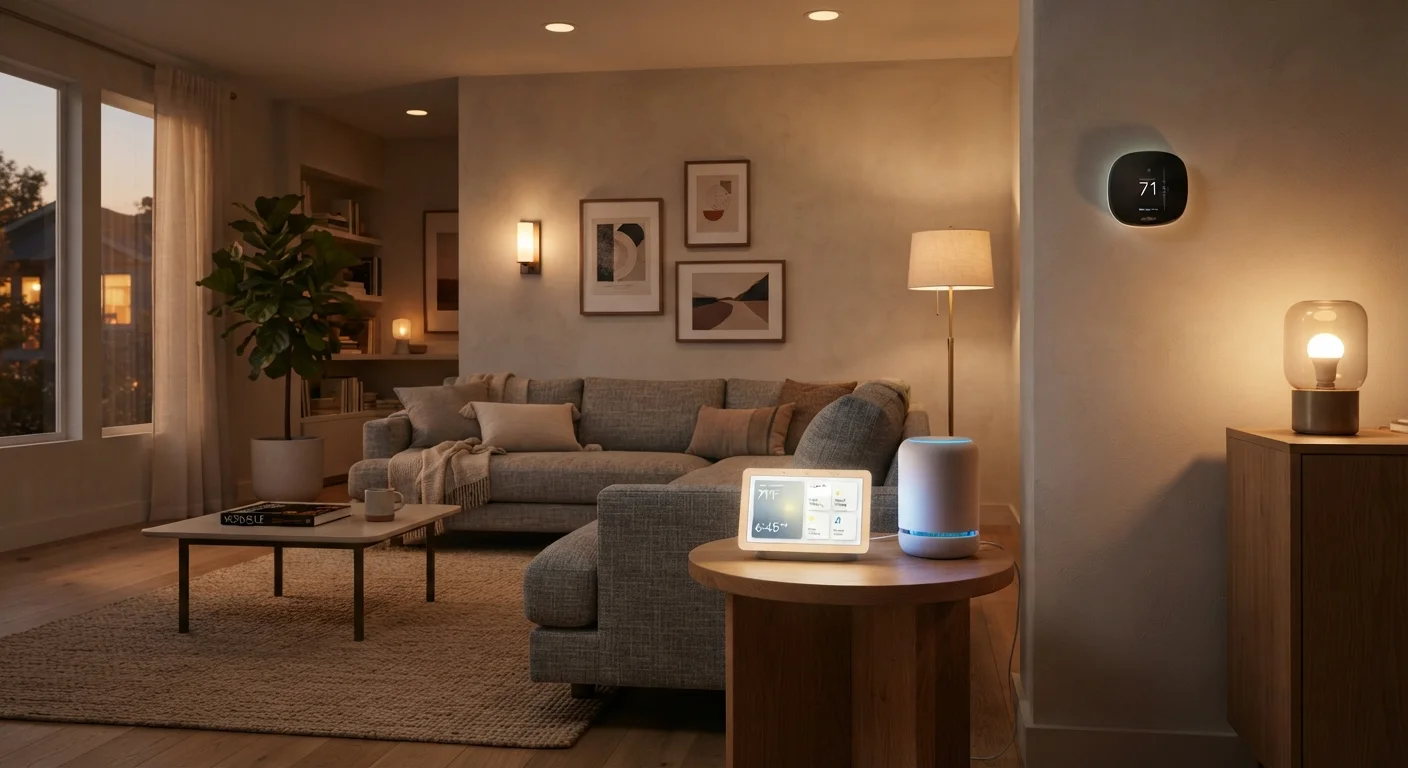
Photo credit: TopInfoTabs.com | Easy Insights For Inspiration
In this article
A hub can unify incompatible devices — but only if it's configured well. Proven practices for automation, grouping, and avoiding common pitfalls.
Key Takeaways
- A hub's real value comes from automation routines, not just manual voice or app control.
- Grouping devices by room and function dramatically reduces setup complexity and daily friction.
- Protocol mismatches - not hub limitations - cause most compatibility headaches consumers encounter.
- Local processing hubs respond faster and keep working when your internet goes down.
- Overloading a hub with too many automations at once is a common and avoidable mistake.
Why Configuration Matters More Than the Hub Itself
Most people unbox a smart home hub, connect a few devices, and consider the job done. In practice, that leaves the majority of the hub's capability untouched. A hub is only as useful as the logic running on top of it - the automations, groupings, and routines that make devices respond to your actual life rather than to individual manual commands.
Before diving into setup, it pays to understand the language your devices speak. Protocols like Zigbee, Z-Wave, and the newer Matter standard determine whether devices can talk to your hub at all. Our Home Tech Glossary explains these terms clearly if you need a quick reference. And if you've ever wondered whether any hub truly works with any device, the answer is more nuanced than marketing suggests - our home tech myth-busting guide addresses this directly.
Proven Practices for Hub Setup and Automation
These practices reflect what experienced users and smart home professionals consistently recommend. They apply regardless of which hub platform you've chosen.
Group devices by room before building any automations
Room-based grouping is the foundation every reliable automation depends on. Without it, routines become unwieldy and debugging a misfiring schedule takes much longer than it should.
Start with two or three automations and expand gradually
Overloading a hub with complex interdependent automations during initial setup makes it nearly impossible to identify what's working and what isn't. A staged approach lets you validate each routine before adding the next.
Prioritize a hub with local processing for critical automations
Cloud-dependent hubs stop working when your internet connection drops. Local processing means automations like door locks and security lights still function reliably during outages.
Use condition logic to reduce false triggers
Simple time-based or motion-based triggers alone cause automations to fire at the wrong times - lights turning on mid-afternoon when natural light is sufficient, for instance. Adding conditions like 'only if lux sensor reads below threshold' makes automations genuinely intelligent.
Label every device with a clear, location-specific name at setup
Generic names like 'Bulb 1' or 'Switch A' become confusing within days, especially when voice commands or app controls need to identify specific devices precisely.
Document your automations and routines as you create them
Smart home configurations accumulate complexity over months. Without notes, diagnosing why a routine stopped behaving as expected - after a firmware update or a new device addition - becomes genuinely difficult.
Quick Wins You Can Apply Today
Not every improvement requires a full reconfiguration. The following actions can meaningfully reduce friction in how you use your hub right now.
Test Each Automation Manually First
Before scheduling any routine to run automatically, trigger it manually at least twice to confirm every device responds as expected. This catches protocol mismatches and naming errors before they cause confusion at 6 a.m. It takes five minutes and saves significant troubleshooting time later.
Security and Privacy Considerations You Shouldn't Skip
A hub that centralises control of your home also centralises risk. Every connected device is a potential entry point for unauthorized access, and a poorly secured hub compounds that exposure significantly. At minimum, change default credentials on the hub itself immediately after setup, keep firmware updated, and consider placing smart home devices on a separate network segment (often called a VLAN) from your primary computers and phones.
For a thorough treatment of this topic - including network segmentation, firmware habits, and account hygiene - see our smart home security guide.
70%
Smart home owners who never use advanced automations
Industry surveys consistently suggest the majority of smart home device owners rely primarily on manual app or voice control rather than automated routines.
3-5 sec
Typical cloud-routing command latency under congestion
Cloud-dependent smart home commands can experience multi-second delays during peak traffic, compared to near-instant response from locally processed hubs.
Making Your Hub Work for Everyone at Home
A hub configured only for its primary user often frustrates everyone else in the household. Take time to create user profiles or access levels appropriate for each person, and simplify interfaces for those less comfortable with technology. Single-button routines - one tap that dims lights, lowers the thermostat, and locks the front door - are far more accessible than navigating a full app.
If you share your home with older family members, our guide on introducing home tech to elderly relatives offers specific, patient-centred setup advice. And if lighting is a key part of your setup, what smart lighting actually does explains how to move beyond basic on/off control into routines that genuinely support daily rhythms.
Hub Compatibility Is Not Universal
Even hubs that support Matter - the industry's cross-platform standard - don't automatically work with every device on the market. Older Zigbee and Z-Wave devices may require a specific hub that includes the relevant radio hardware. Always verify a device's protocol against your hub's supported protocols before purchasing.

Author
Tech & Gadgets Editorial Team
Tech & Gadgets Editorial Team is the collective byline for our editorial team and contributor network. Articles published under this byline or an editorial pen name are researched, written, and reviewed according to our editorial standards for clarity, consistency, and independence before publication.
View all articles →