
Smart Thermostats: A Complete Introduction for New Owners
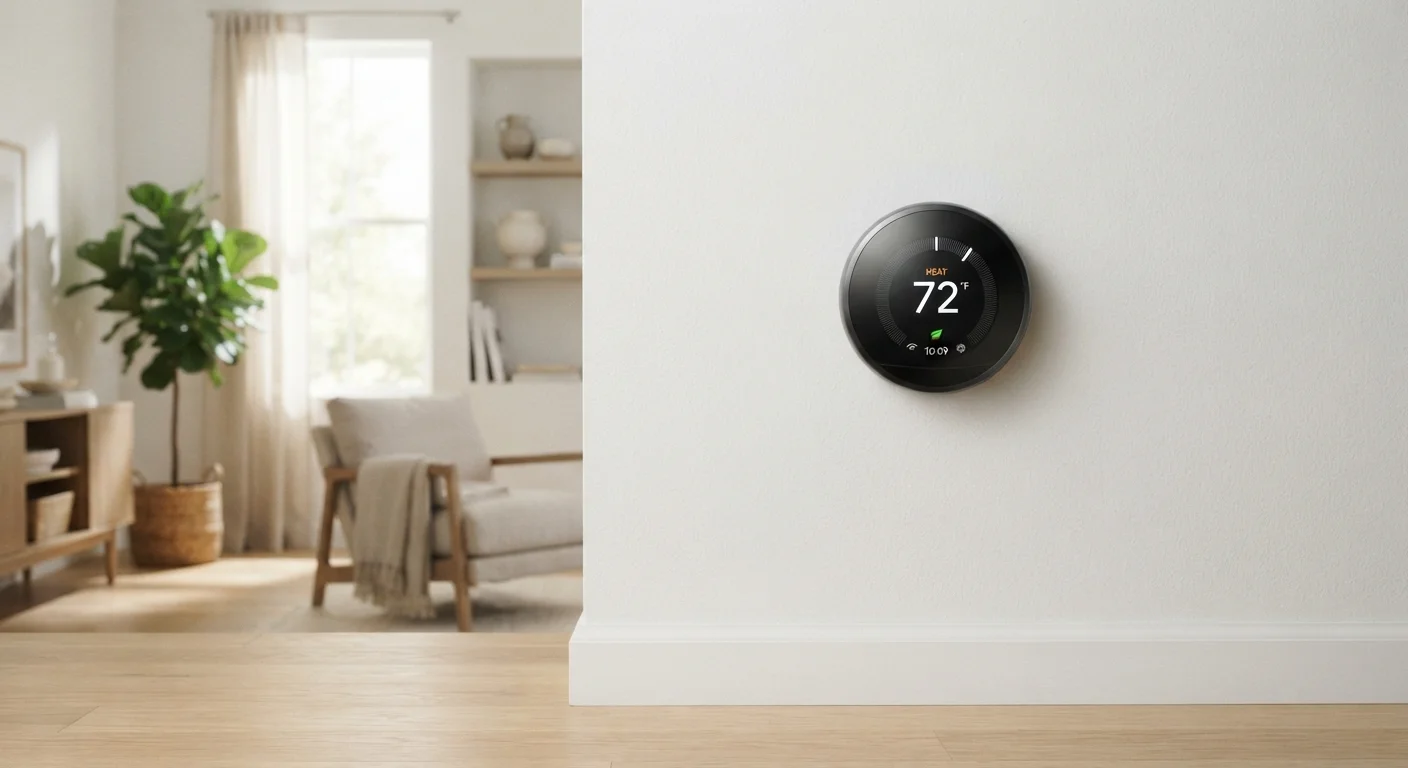
Photo credit: TopInfoTabs.com | Easy Insights For Inspiration
In this article
Everything a first-time buyer needs to know about smart thermostats — how they learn, when they save energy, and what to expect during setup.
Key Takeaways
- Smart thermostats replace manual temperature controls with scheduling, learning, and app-based remote access.
- Most models require a common wire (C-wire) - check your existing wiring before purchasing.
- Energy savings are real but vary widely depending on your household's prior habits and HVAC system.
- Learning features take one to two weeks of normal use before meaningful automation kicks in.
- Smart thermostats can integrate with voice assistants and other home devices, but are also fully usable standalone.
What Is a Smart Thermostat, Really?
A smart thermostat controls your home's heating and cooling system - just like a traditional thermostat - but adds three capabilities that change how you interact with it: remote control via a smartphone app, automated scheduling based on your routine, and the ability to learn from your behavior over time.
Unlike a basic programmable thermostat (which requires you to manually set temperature schedules for every time block), a smart thermostat builds those schedules automatically and adjusts them as your life changes. If you start leaving for work an hour earlier, it notices. If a cold snap hits, it adapts.
Geofencing
A virtual boundary linked to your phone's GPS location. When your phone leaves the boundary (e.g., your neighborhood), the thermostat knows you're away and adjusts accordingly.
C-wire
The 'common wire' in your HVAC wiring that provides continuous low-voltage power to the thermostat. Without it, some smart thermostats cannot function or charge properly.
HVAC
Stands for Heating, Ventilation, and Air Conditioning - the combined system that controls temperature and air quality in your home.
Occupancy sensor
A built-in detector that senses motion or body heat in a room, helping the thermostat determine whether anyone is actually home.
Schedule learning
A feature where the thermostat observes your manual temperature adjustments over days or weeks and gradually builds an automatic schedule based on those patterns.
For context on how smart home devices generally communicate and integrate, the Home Tech Glossary is a useful companion reference covering terms like hub, mesh network, and local processing.
How Smart Thermostats Learn Your Habits
The learning process begins the moment you start adjusting temperatures manually. The thermostat logs when you made changes, what temperature you set, and what time of day it was. Over one to two weeks, it identifies patterns - waking hours, away periods, sleeping times - and proposes or applies a schedule automatically.
Most models use occupancy sensors (detecting motion in the room) and geofencing (using your phone's location) to detect when the house is empty. When no one's home, it scales back heating or cooling to reduce waste without you lifting a finger.
Get More from the Learning Period
During the first two weeks, make temperature adjustments manually and deliberately - treat it like training the device. The more consistent your inputs, the more accurate the resulting automatic schedule will be. Avoid letting the thermostat sit unchanged; your active use drives the learning.
It's worth noting that the learning feature works best in households with consistent routines. If your schedule varies significantly week to week, you may get more reliable results by manually programming a schedule than relying entirely on automation.
What to Expect During Installation and Setup
Installation is the step new owners most often underestimate. Before anything else, check whether your current HVAC system has a C-wire (common wire) - a dedicated power wire that keeps the thermostat continuously powered. Without it, some thermostats won't operate reliably. Many manufacturers include an adapter or power kit for homes without one.
The physical swap is straightforward for most homes: photograph your existing wiring, remove the old thermostat, connect labeled wires to matching terminals on the new device, and follow the in-app setup. The app guides you through connecting to Wi-Fi, confirming your equipment type, and setting your initial preferences.
Don't Skip the Compatibility Check
Installing an incompatible thermostat can damage your HVAC system's control board - a repair that costs significantly more than the thermostat itself. Use the compatibility checker on the manufacturer's website with your current wiring labels before purchasing. When in doubt, consult a licensed HVAC technician.
Setup also involves creating an account with the manufacturer, which means your usage data will be stored on their servers. If privacy is a concern, review the manufacturer's data policy before completing setup. For a broader look at how smart devices handle data and integration decisions, see The Real Trade-Offs of Running a Smart Home.
Energy Savings: What's Realistic?
Energy savings are one of the most cited reasons to upgrade, but the actual impact depends heavily on your starting point. If your previous thermostat was set to the same temperature around the clock, the gains can be meaningful. If you were already careful about manual adjustments, the difference will be smaller.
Independent research - including studies cited by the U.S. Department of Energy - suggests that adjusting temperatures strategically during sleeping and away hours can reduce heating and cooling costs. However, no specific savings figure applies universally; your home's insulation, climate zone, and HVAC efficiency all play a role.
Think of a smart thermostat as removing friction from habits you might already intend to have - not as a guaranteed bill reducer on its own. For broader context on making home tech purchases with clear expectations, the Consumer Awareness Primer offers useful framing.
Connecting to the Wider Smart Home
Smart thermostats work perfectly well as standalone devices - you don't need a smart speaker, a home hub, or any other connected product to benefit from them. That said, they do integrate with major ecosystems including Amazon Alexa, Google Home, and Apple HomeKit, allowing voice control and cross-device routines.
For example, you could create a routine that lowers the thermostat whenever a smart lock is engaged at night - the two devices working together without manual input. Setting up a smart speaker first is a natural companion step if you want voice control. Similarly, smart lighting can be coordinated with thermostat schedules for a more complete home routine.
Start simple: get comfortable with the thermostat's own app and schedule before layering in integrations. Most of the practical value is available from day one, without connecting anything else.
Frequently Asked Questions

Author
Tech & Gadgets Editorial Team
Tech & Gadgets Editorial Team is the collective byline for our editorial team and contributor network. Articles published under this byline or an editorial pen name are researched, written, and reviewed according to our editorial standards for clarity, consistency, and independence before publication.
View all articles →