
Why Your New Computer Feels Slow Within a Year
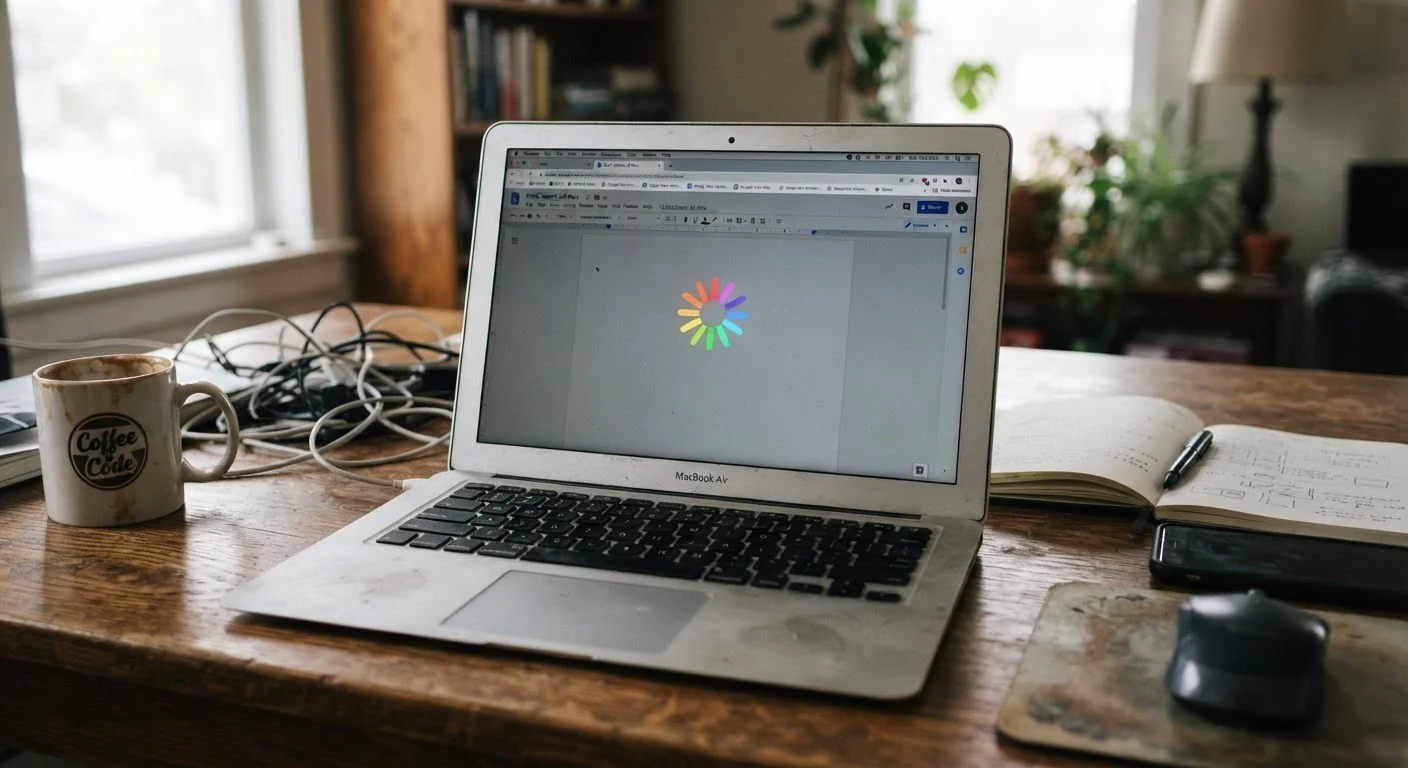
Photo credit: TopInfoTabs.com | Easy Insights For Inspiration
Bloatware, background processes, thermal throttling — the real reasons performance degrades and what you can do about each one.
Key Takeaways
- Bloatware and auto-start programs are the most common causes of early performance slowdowns.
- A nearly full hard drive or SSD measurably degrades read and write speeds.
- Thermal throttling - when a processor slows itself to prevent overheating - is frequently overlooked.
- Most slowdowns are correctable without buying new hardware.
- Operating system and driver updates can both cause and cure perceived performance drops.
The Honeymoon Period Is Real - and Brief
Most computers feel fast out of the box because they are running in a clean, uncluttered state. Within months, that changes. Software installs accumulate, background services multiply, and the operating system acquires a longer to-do list every time it boots. The machine hasn't changed - its environment has.
Understanding why this happens is the first step to stopping it. The mistakes below are the most common culprits, and each one has a practical fix. If you're still fuzzy on what specs like RAM and processor cores actually do under the hood, the plain-language breakdown of RAM, storage, and processors is worth reading first - it makes the causes below easier to grasp.
Leaving bloatware and pre-installed trial software running in the background.
Why it happens: Manufacturers and retailers often pre-load computers with third-party software that auto-starts on boot. Most users don't realize these programs are running - or even installed.
Allowing too many applications to run at startup.
Why it happens: Every application you install asks to start with Windows or macOS by default, and the request is easy to accept without thinking. Over time, dozens of programs compete for memory and processor time before you've opened a single browser tab.
Filling storage to near capacity without realizing the performance impact.
Why it happens: Storage fills gradually and invisibly - downloads, cached data, old installers, and duplicate files accumulate without any single moment of obvious excess.
Ignoring thermal throttling caused by dust buildup or poor ventilation.
Why it happens: Processors automatically reduce their speed when temperatures exceed safe thresholds - a protection mechanism called thermal throttling. Dust-clogged vents and fans cause temperatures to spike faster, making throttling more frequent and severe. Most users never connect the symptom (slowness) to the cause (heat).
Skipping updates - or updating without understanding the impact.
Why it happens: OS updates feel disruptive, so many users defer them indefinitely. Others install every update immediately without knowing that some updates temporarily increase background activity as the system re-indexes or recompiles data.
Patterns That Accelerate the Decline
Beyond individual mistakes, certain habits compound the damage over time. Running a laptop on soft surfaces like beds or couches blocks the vents underneath, raising internal temperatures and triggering thermal throttling more frequently. Skipping operating system updates - often to avoid restart interruptions - leaves the scheduler and memory manager running on older, less efficient code. And ignoring storage hygiene until the drive is nearly full means the system has been suffering degraded speeds for months before most users notice.
Don't Mistake Software Problems for Hardware Failure
A slow computer is frequently misdiagnosed as a hardware problem requiring replacement. Before concluding that your machine is obsolete, work through the software and maintenance steps above. Resetting bloated startup lists, clearing storage, and ensuring proper ventilation resolve the majority of perceived slowdowns. Replacing hardware without addressing these root causes often results in the new machine slowing down just as quickly.
The same logic applies across devices. Habits that quietly shorten a smartphone's lifespan follow a nearly identical pattern: background processes, thermal stress, and neglected maintenance accumulate invisibly until performance noticeably drops. Awareness is the common thread.
If you're deciding between a laptop and a desktop, it's also worth knowing that laptops and desktops handle thermal management and upgradability very differently - a factor that directly affects how quickly each form factor is likely to feel slow.
This article is for general informational purposes only. Performance outcomes vary based on hardware configuration, software environment, and usage patterns.

Author
Tech & Gadgets Editorial Team
Tech & Gadgets Editorial Team is the collective byline for our editorial team and contributor network. Articles published under this byline or an editorial pen name are researched, written, and reviewed according to our editorial standards for clarity, consistency, and independence before publication.
View all articles →