
Laptop vs. Desktop: Thinking Through the Trade-Offs
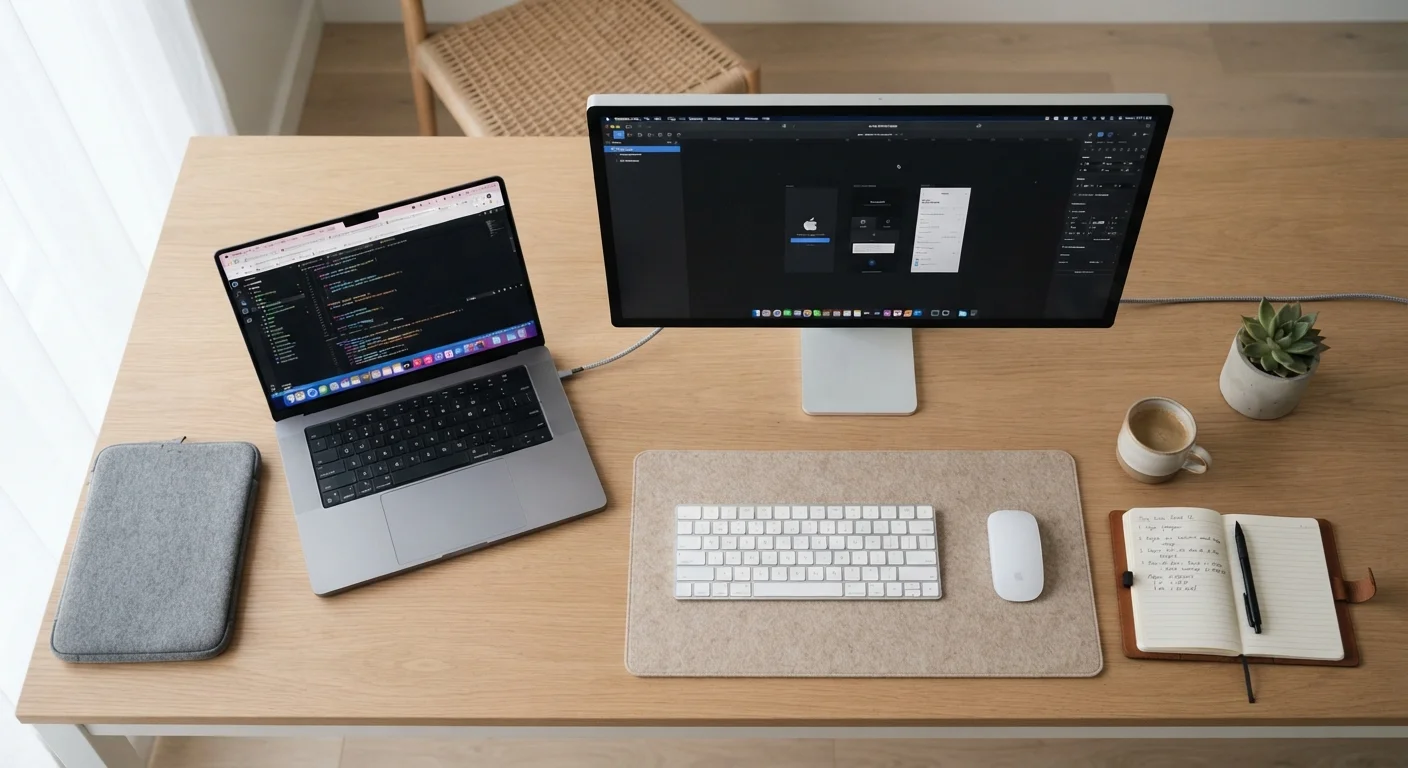
Photo credit: TopInfoTabs.com | Easy Insights For Inspiration
In this article
Performance, portability, cost, and upgradability — here's how laptops and desktops stack up so you can decide which suits your life.
Key Takeaways
- Laptops trade raw performance and upgradability for portability and convenience.
- Desktops generally deliver more computing power at a comparable price point.
- Upgrading a desktop is straightforward; most laptops allow little to no component swapping.
- Portability needs are the single most decisive factor in this choice for most people.
- Either form factor can run the same software - the difference is in the hardware constraints.
The Core Trade-Off: Portability vs. Power
The laptop-versus-desktop question is really about one fundamental tension: do you need your computer to move with you, or do you need it to perform as hard as possible from a fixed spot? Everything else - price, upgradability, screen size - follows from that starting point.
Laptops integrate the processor, memory, display, battery, keyboard, and trackpad into a single chassis. That integration is impressive engineering, but it also means components run closer together, generating heat that the system has to manage within a thin enclosure. Thermal throttling - where a chip automatically slows down to prevent overheating - is more common in laptops under sustained heavy workloads. Desktops have larger enclosures, dedicated cooling solutions, and no battery constraints, so they can sustain peak performance for longer stretches.
For everyday tasks - browsing, email, video calls, word processing - modern laptops handle everything without breaking a sweat. The gap becomes more meaningful when you push into video editing, gaming, or running complex simulations. If you're curious how graphics performance fits in, our guide to integrated vs. dedicated GPUs breaks down when that distinction actually matters.
| Criterion | Laptop | Desktop |
|---|---|---|
| Portability | Fully portable, battery-powered | Stationary, requires power outlet |
| Performance per dollar | Good for everyday tasks | Generally higher at same price |
| Upgradability | Limited; often soldered components | RAM, GPU, storage all swappable |
| Display included | Yes, built-in | No, monitor purchased separately |
| Thermal performance | Can throttle under sustained load | Sustains peak performance longer |
| Space required | Compact, stows away easily | Dedicated desk space needed |
| Peripheral needs | Keyboard, trackpad built in | Keyboard, mouse, monitor needed |
| Repairability | More complex, often costly | Generally easier to service |
Cost, Upgradability, and Long-Term Value
At equivalent price points, desktops tend to deliver more RAM, faster storage, and better processors than laptops. Part of this reflects the cost of miniaturization - packing powerful components into a slim, light form factor adds manufacturing expense. Part of it is the display: laptops include a screen in the price; desktops do not, so comparing sticker prices isn't entirely apples-to-apples once you factor in a monitor.
Where desktops genuinely pull ahead is in long-term upgradability. Most desktop towers allow you to add RAM, swap in a larger SSD, or install a new graphics card years after purchase. That can meaningfully extend useful life without replacing the whole machine. Most laptops, by contrast, have soldered RAM and non-replaceable batteries - meaning upgrade options are limited to storage in some models, and nothing at all in others. Understanding your storage options is worth doing before you commit either way.
~60%
Share of US personal computer shipments that are laptops
Laptop shipments have consistently outpaced desktop shipments in consumer markets for over a decade, reflecting the shift toward mobile computing.
3-5 years
Typical practical lifespan for a mid-range laptop
Industry analysts generally cite three to five years as a realistic upgrade cycle for consumer laptops, compared to five or more years for many desktop configurations.
Peripherals are another cost consideration. A desktop needs a keyboard, mouse, and monitor - all separate purchases. A laptop includes equivalents built in, though many users add an external keyboard and monitor anyway once they establish a home base. See what separates a good peripheral from a great one if you're building out a desk setup.
Practical Considerations Before You Decide
A few honest questions can clarify the decision quickly. Do you need to use the computer away from a power outlet? A laptop's battery - typically lasting four to twelve hours depending on workload - makes untethered work genuinely possible. Do you share a small living space? A laptop stows easily; a desktop tower, monitor, and cables do not. Will other people occasionally need to use the same machine? A shared desktop workstation is often simpler to manage than a personal device.
If you land on a laptop, this pre-purchase checklist covers the specs, ports, and warranty terms worth verifying before you buy. First-time laptop buyers may also find value in a ground-up introduction to what actually matters in laptop specs.
If you choose a desktop and plan to work from home regularly, setting up an ergonomic and functional workstation is a logical next step. Good monitor height, cable management, and keyboard placement matter more when you're at a fixed desk for hours at a time. And regardless of which form factor you choose, understanding why computers slow down over time helps you protect your investment and keep things running smoothly.
What About Refurbished Options?
Both laptops and desktops are widely available as certified refurbished units, which can reduce upfront cost significantly. The trade-offs - warranty length, component condition, return policies - apply to both form factors. A balanced look at refurbished computers covers what to verify before going that route.

Author
Tech & Gadgets Editorial Team
Tech & Gadgets Editorial Team is the collective byline for our editorial team and contributor network. Articles published under this byline or an editorial pen name are researched, written, and reviewed according to our editorial standards for clarity, consistency, and independence before publication.
View all articles →