
What Screen Resolution Actually Means for Your Everyday Viewing
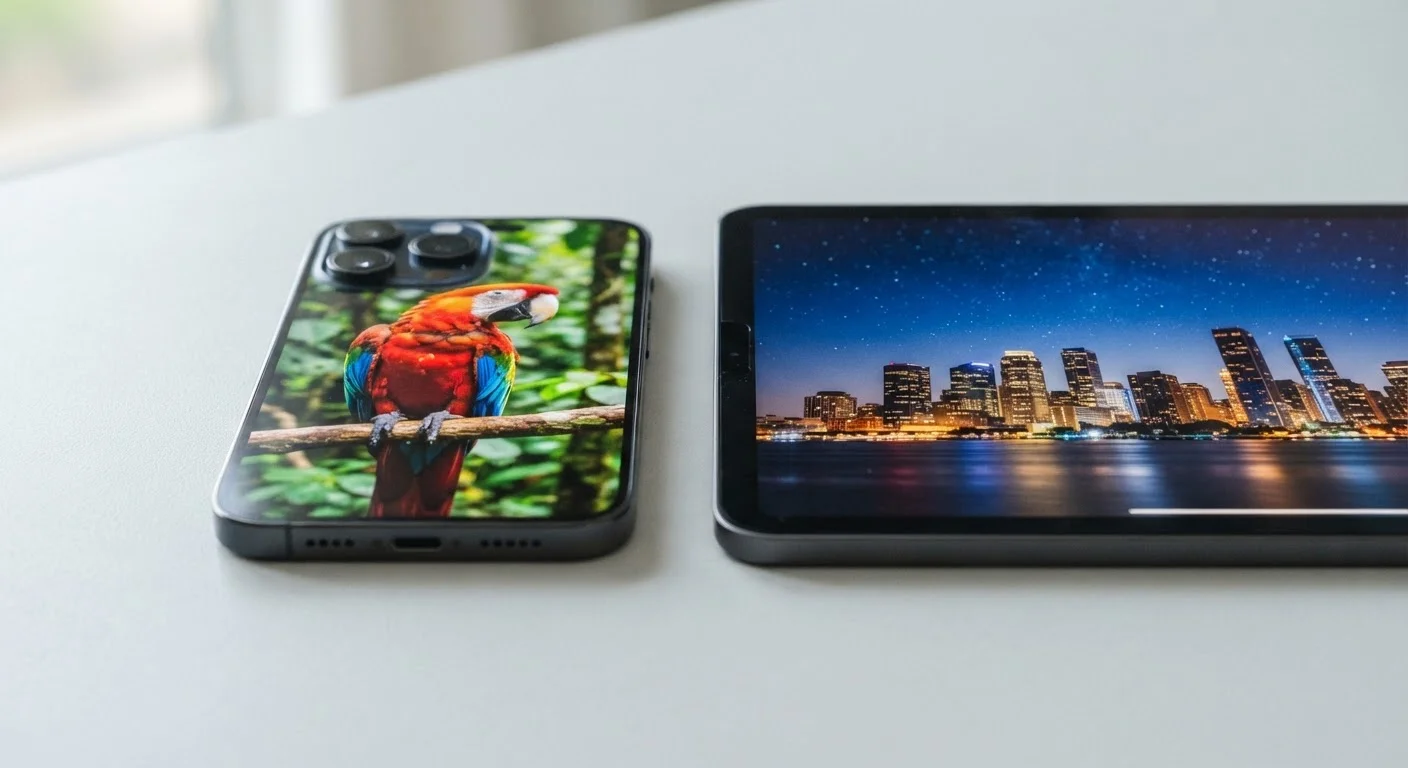
Photo credit: TopInfoTabs.com | Easy Insights For Inspiration
In this article
PPI, 4K, OLED — screen specs can feel overwhelming. Here's what resolution really means for how your phone or tablet looks in real life.
Key Takeaways
- Resolution describes the number of pixels packed into a display, shown as two numbers like 1080 × 2400.
- Pixel density (PPI) matters more than raw resolution for judging real-world sharpness.
- Human eyes stop perceiving extra sharpness beyond roughly 300 PPI at typical phone-viewing distances.
- Higher resolution uses more battery and processing power, so there are real trade-offs.
- Panel technology (LCD vs. OLED) affects color and contrast independently of resolution.
The Basic Idea: Pixels, Grids, and What You Actually See
Every screen - phone, tablet, laptop, or TV - is made up of tiny light-emitting dots called pixels. Resolution simply counts how many of those dots exist across the width and height of your display. A screen described as 1080 × 2400 has 1,080 columns and 2,400 rows of pixels, totaling nearly 2.6 million individual dots working together to show you a webpage, photo, or video.
That grid of pixels is what gives digital images their detail. When resolution is low, you may see a staircase-like roughness on curved edges - sometimes called "jaggies" - especially on text. When resolution is high enough, edges look perfectly smooth because the pixels are too small to distinguish individually.
For a broader plain-language reference to display and device specs, see our mobile specs glossary covering everything from refresh rates to IP ratings.
~300 PPI
Sharpness threshold at typical phone viewing distance
Display researchers broadly agree that pixel density beyond approximately 300 PPI becomes imperceptible to the human eye at a standard 10-12 inch viewing distance.
2.6M+
Pixels in a typical 1080p smartphone display
A 1080 × 2400 resolution, common in current mid-range phones, produces over 2.6 million pixels - enough for smooth text and detailed images at arm's length.
Why Pixel Density Matters More Than the Numbers Alone
Raw resolution figures can be misleading without knowing the screen's physical size. A 1080p display on a compact phone and the same 1080p display on a large tablet have identical pixel counts - but the phone screen looks noticeably sharper because those pixels are squeezed into a much smaller area.
This is where pixels per inch (PPI) becomes useful. PPI divides the total pixel count by the screen's diagonal measurement, giving you a single number that reflects true visual density. Screens above roughly 300 PPI are widely considered "retina-class" - a threshold at which the human eye can no longer resolve individual pixels at a standard viewing distance of about 10-12 inches.
Practically speaking, the difference between a 400 PPI display and a 500 PPI display is invisible to most people during normal phone use. Where PPI differences remain meaningful is on larger screens held closer to the face, or when reading very small text for extended periods.
Check PPI, Not Just Resolution
When comparing screens, look up the PPI figure alongside the raw resolution. Many manufacturer spec pages list it, and free online PPI calculators can compute it from resolution and screen size. A phone with a 6-inch Full HD screen and 400 PPI will look sharper than a tablet with a 10-inch QHD screen at 300 PPI - even though the tablet has more total pixels.
Common Resolution Labels and What They Actually Refer To
Marketing labels can obscure more than they reveal. Here's what the most common ones actually mean:
- HD (720p): 1280 × 720 pixels. Adequate for smaller, budget screens but noticeably softer on larger displays.
- Full HD / 1080p: 1920 × 1080 pixels. A reliable standard that offers a good balance of sharpness and efficiency on most phones and tablets.
- QHD / 2K: Approximately 2560 × 1440 pixels. Offers a visible sharpness improvement on screens above 6 inches.
- 4K / UHD: Around 3840 × 2160 pixels. Primarily relevant for large-format tablets and external monitors; differences on phone-sized screens are negligible in everyday use.
Resolution is just one piece of display quality. Panel type - LCD versus OLED - governs contrast, color accuracy, and how blacks look, all of which have a significant impact on perceived image quality that resolution alone cannot capture. Our article on monitor specs ads never explain digs deeper into panel types and refresh rates.
Real Trade-Offs: Battery, Performance, and Practical Choices
Driving a higher-resolution screen is computationally expensive. The display processor must push more pixels every second, which draws more power from the battery and generates more heat. Some manufacturers address this by allowing users to select a lower resolution mode in device settings - a practical way to extend battery life on days when sharpness isn't a priority.
If you're weighing screen quality across device categories, the interplay between screen size and resolution becomes especially important. Our piece on choosing between a tablet and laptop screen explores how those trade-offs play out for work-focused use. And just as megapixel counts can mislead in camera specs, resolution numbers can mislead in display specs - see our camera megapixels explainer for a parallel look at how marketing numbers outpace real-world differences.
For most people using a phone or mid-size tablet for everyday tasks - browsing, streaming, reading - a Full HD display at adequate PPI delivers sharp, comfortable viewing. Chasing higher resolution specs makes more sense for extended creative work, detailed photo editing, or large-screen tablet use than for general daily tasks.
Resolution and Streaming Quality Are Separate
Even if your device has a 4K screen, streaming services deliver 4K content only when your internet connection, subscription tier, and app settings all align. Most streaming apps default to a lower resolution to buffer smoothly. A high-resolution screen is a ceiling, not a guarantee - the actual quality you see depends on the content source and your network conditions.
Frequently Asked Questions

Author
Tech & Gadgets Editorial Team
Tech & Gadgets Editorial Team is the collective byline for our editorial team and contributor network. Articles published under this byline or an editorial pen name are researched, written, and reviewed according to our editorial standards for clarity, consistency, and independence before publication.
View all articles →